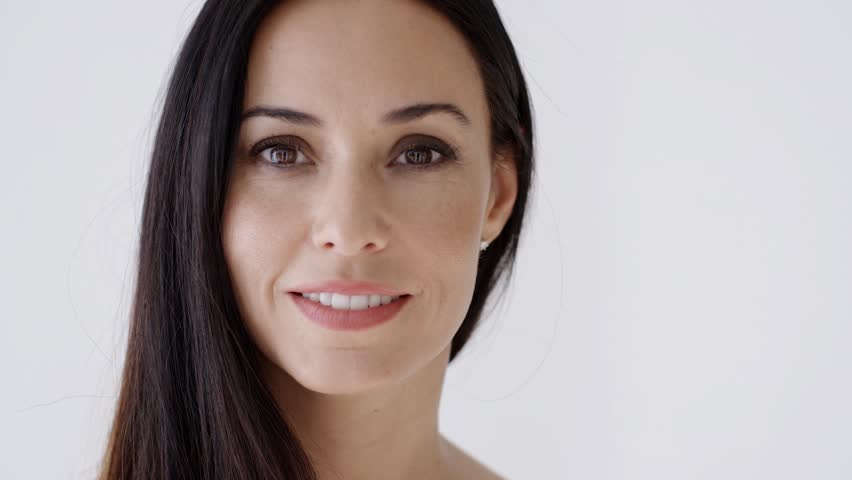
This session taught us many new concepts like blurring an image, adjustments/giving an image different effects, patch tool, etc. We also learnt how to clean an image,.
Adjustments
Image -> Adjustments.
If the mode of the canvas is CMYK or Grey scale, few options in adjustments window will be disabled. Thus it must be RGB.
Also, when you apply the adjustments from the Image bar, it affects the original layer and thus you cannot make the changes later, whereas if the adjustments are applied from the layer window they create their own layer (layer mask) by default and don’t affect the original layer and thus, can be changed later.
Retouching
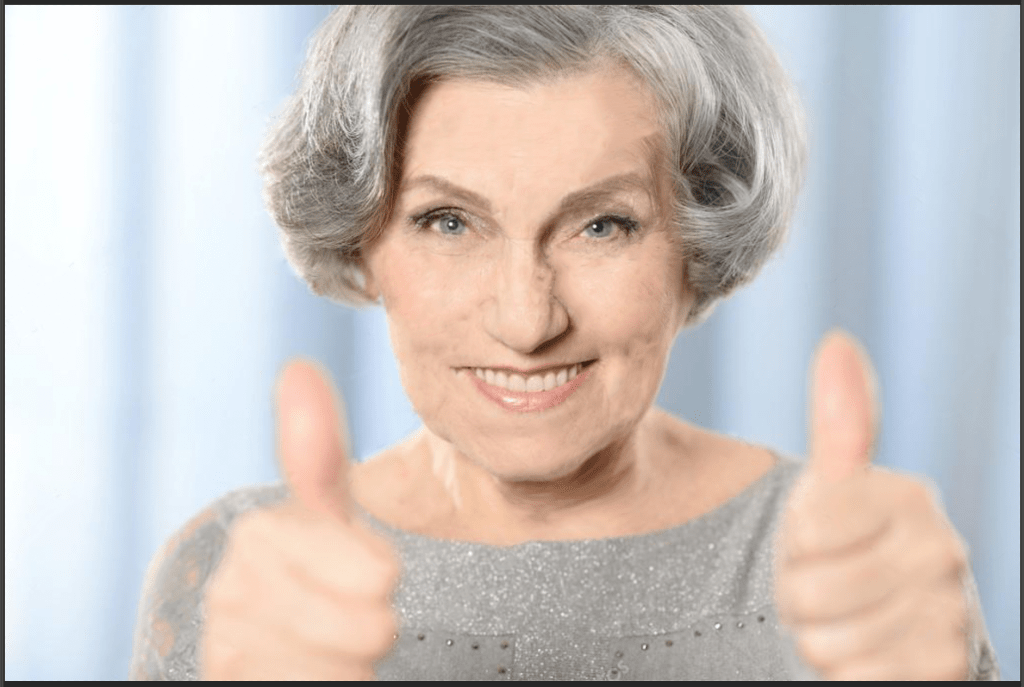
This is a technique used to remove wrinkles or spots from an image. (here, face)
- Desaturate the image :- Image -> Adjustments -> Desaturate.
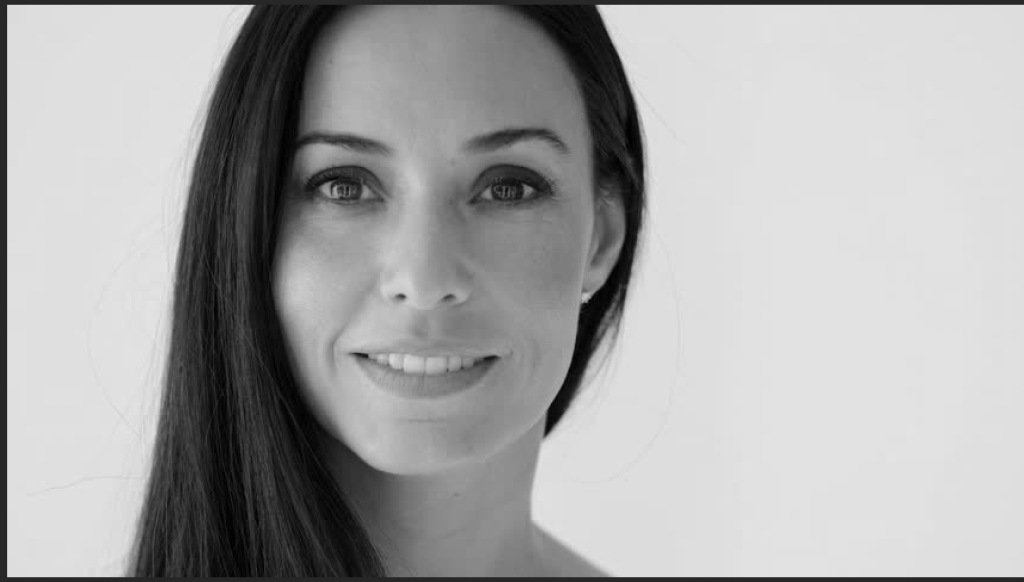
2. Apply effects from Adjustments :- Brightness and Contrast
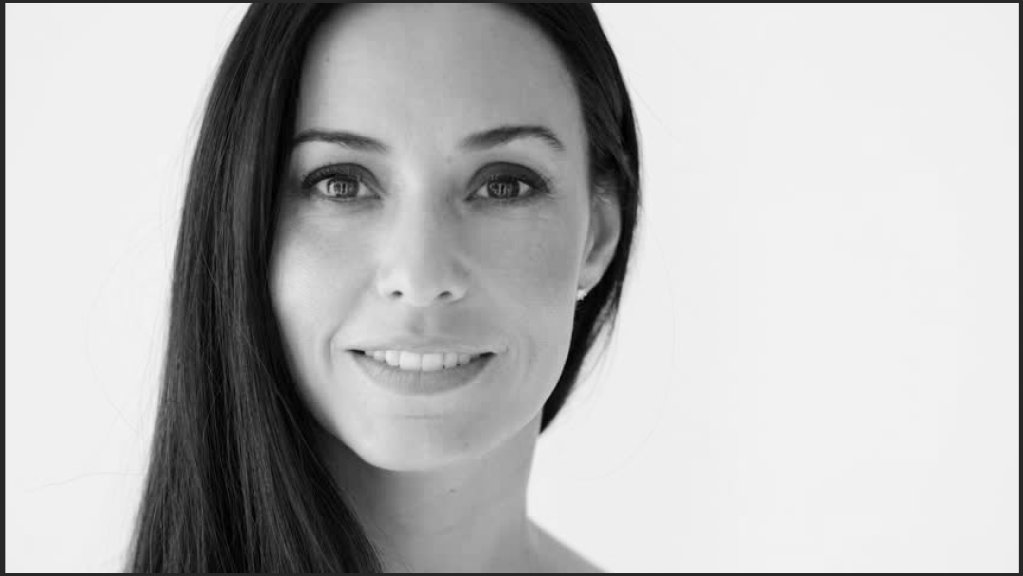
3. Change skin tone :- Hue/Saturation (to change skin tone)
Hue – Colour spectrum
Saturations -> left – desaturates
right – saturates
Lightness -> left – black
right – white
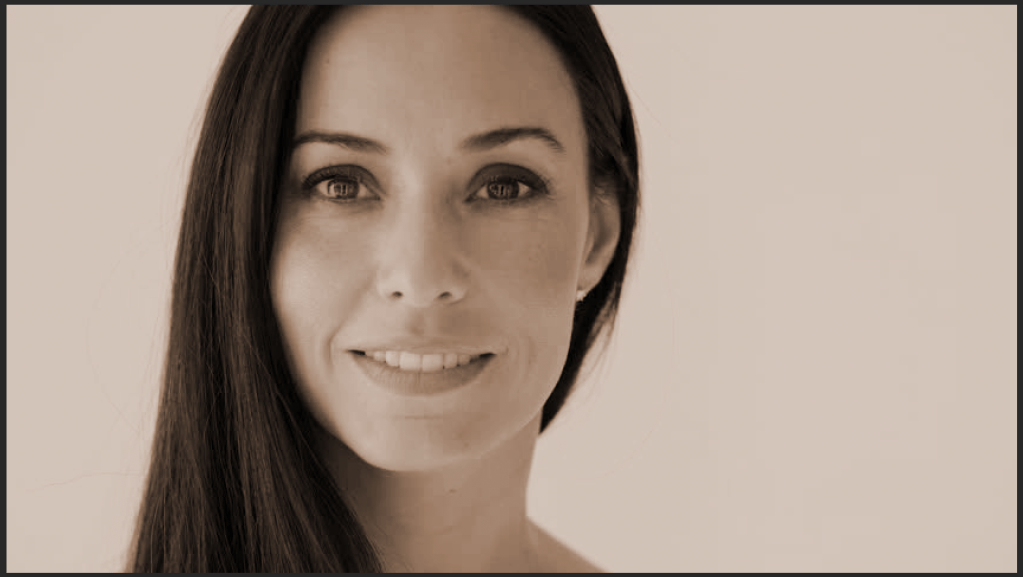
Since these changes (those made in adjustments) are not needed for the hair, use the layer mask (created by default) and remove those effects from the hair.
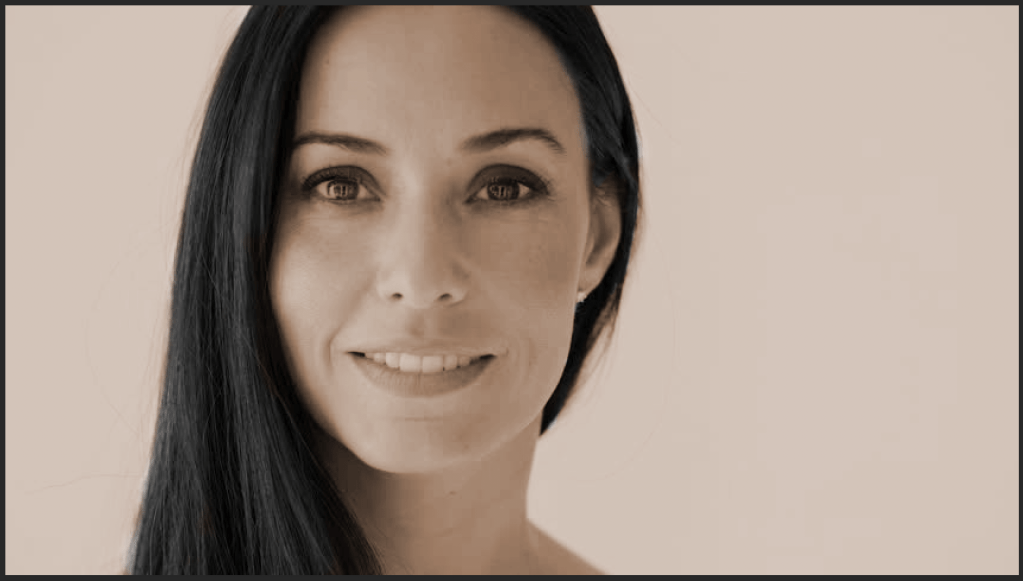
4. Change lip colour and eye colour :- Hue/Saturation
Crop the lips and eyes using any selection tool and change the colour.
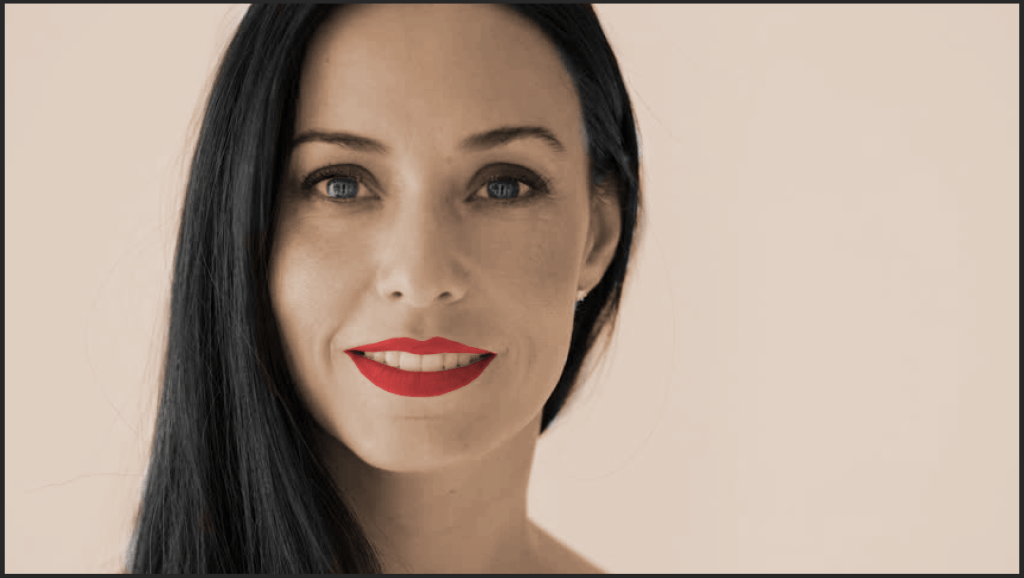
5. Change hair colour :- Hue/Saturation
Take a soft brush and colour the hair. Later, blur the colour
Filter -> Blur -> Gaussian Blur
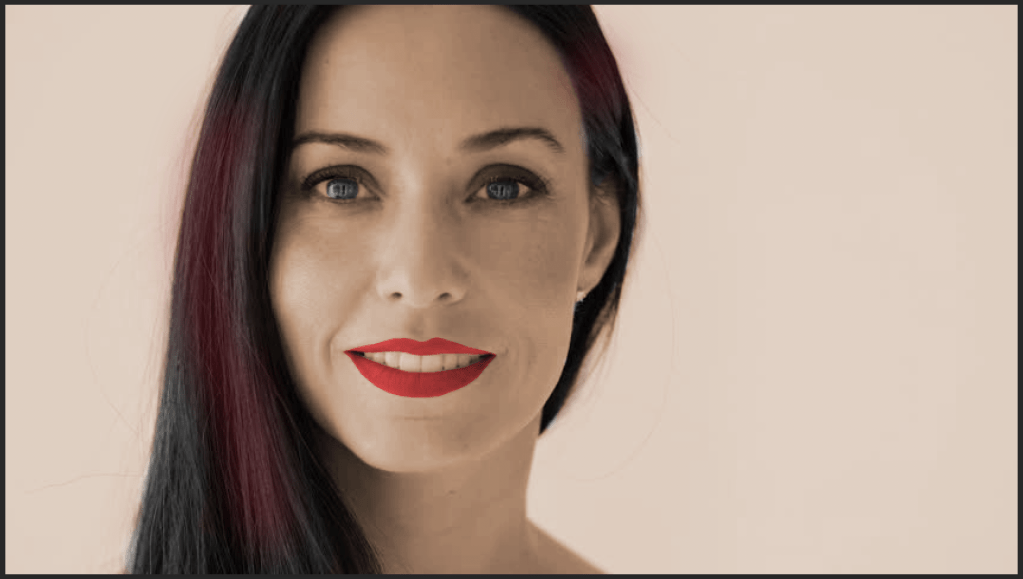
This exercise taught us many techniques of layers, adjustments like hue/ saturation, brightness/contrast, etc.
Patch tool
This tool helps to pick the exact colour/shade of the area where the selected path is moved.
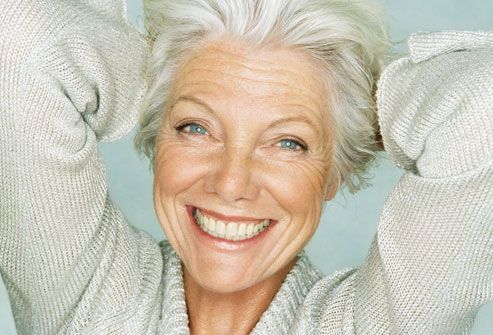
- Select the area that has to be cleaned :-
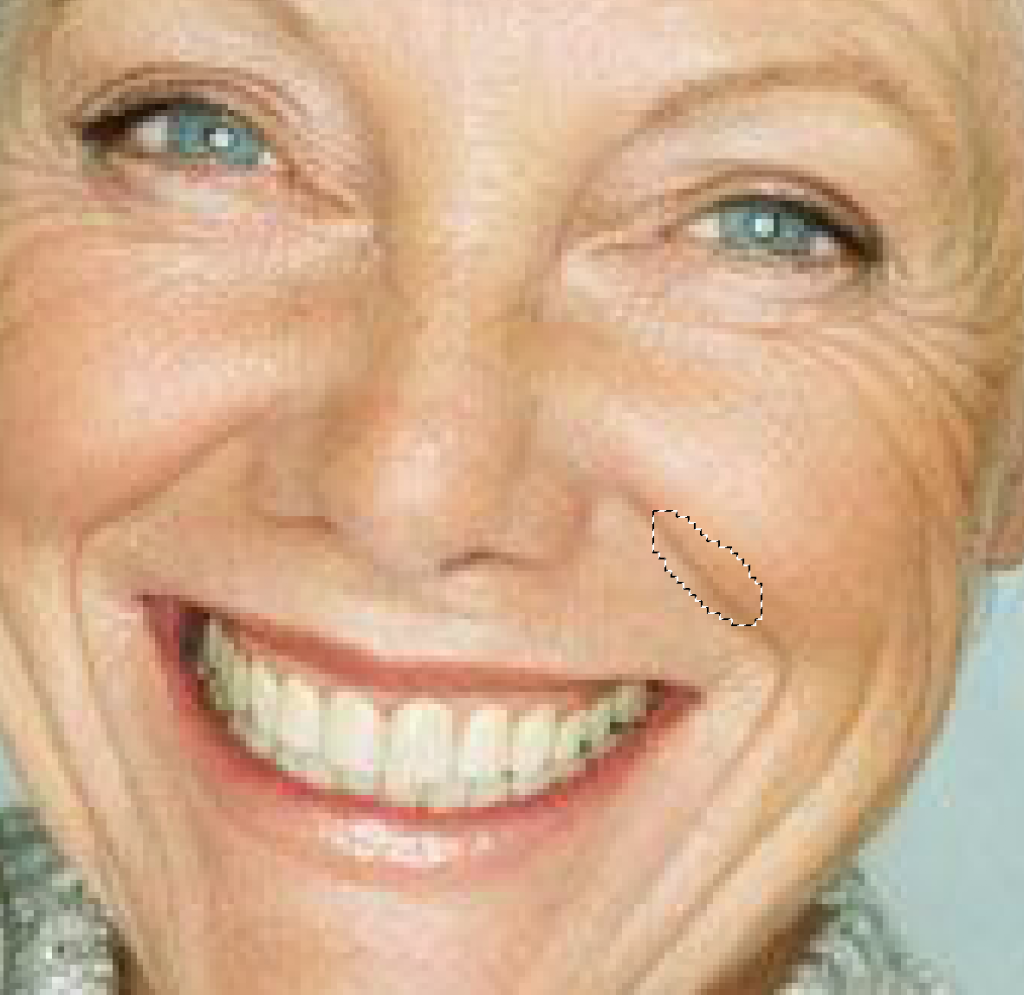
2. Move this to a clean area :-

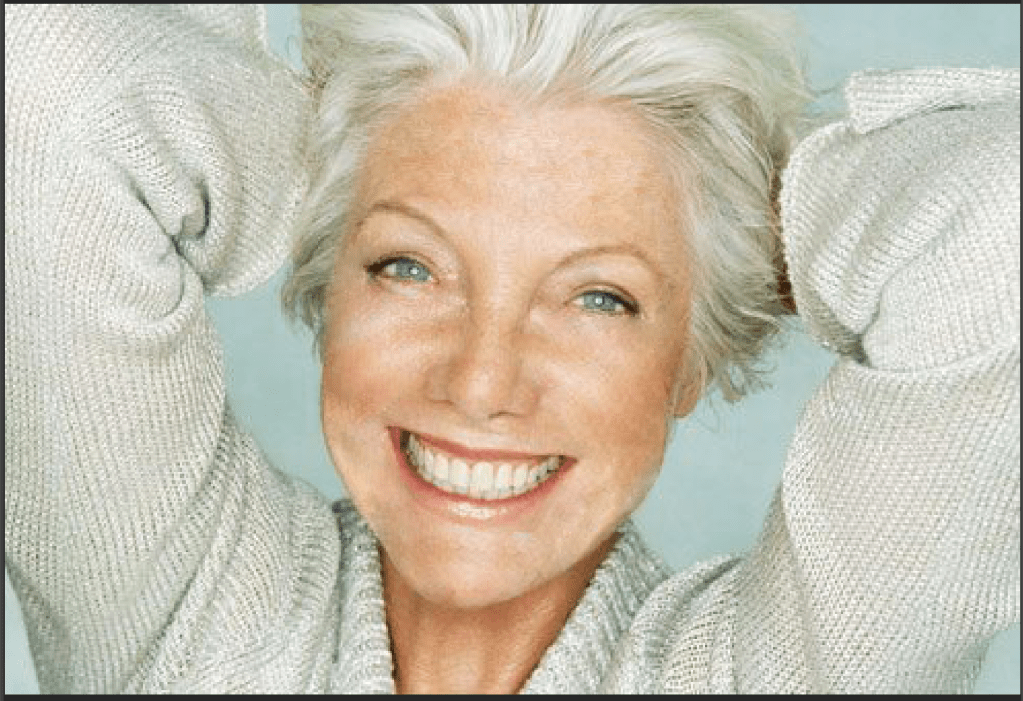
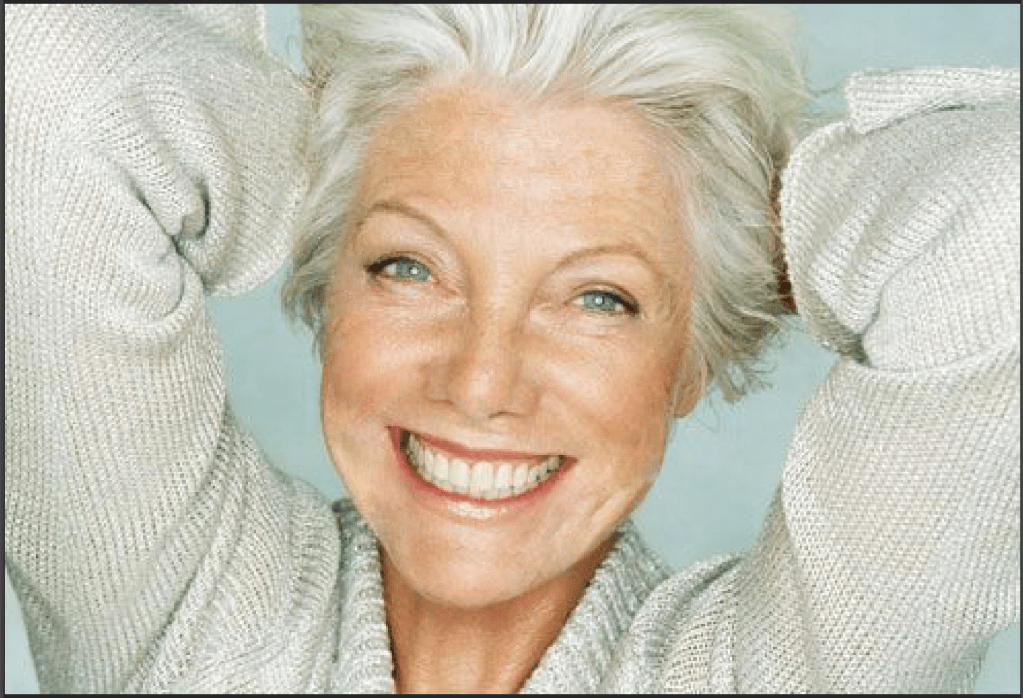
Now to make it more realistic, use layer mask.
Spot Healing Brush Tool
This tool takes the colour/shade from its surroundings and fills it in its centre.
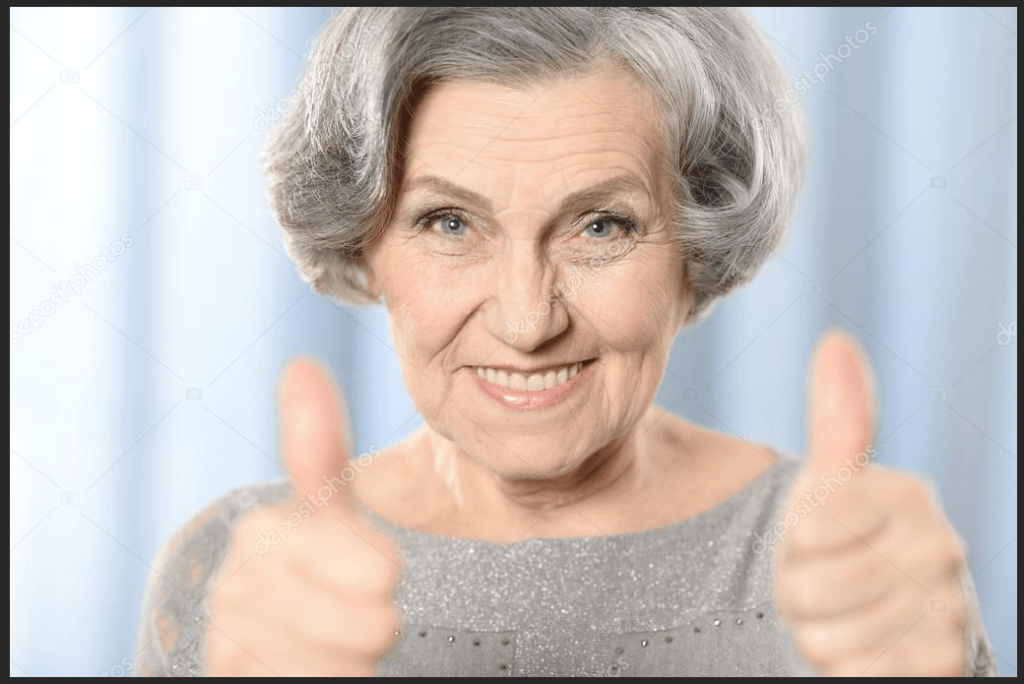
Click on the area you want to clean and make sure the surroundings of the tool are clean.

To make it look more realistic –
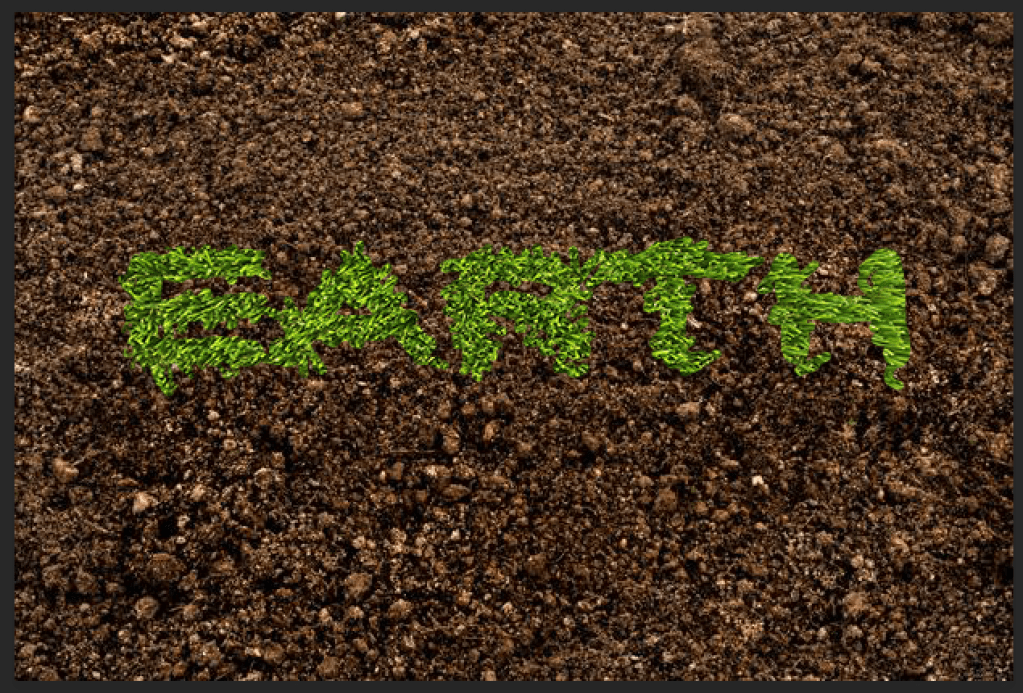
Class assignment :-
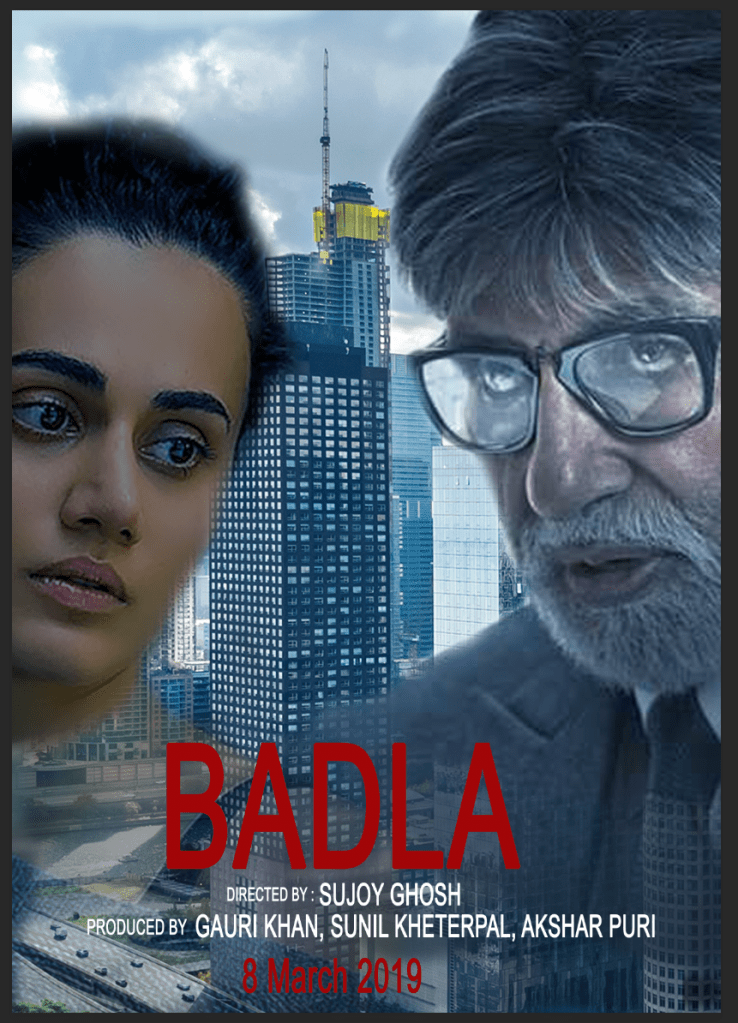
Assignment – Design any movie poster


 dimple.design.blog