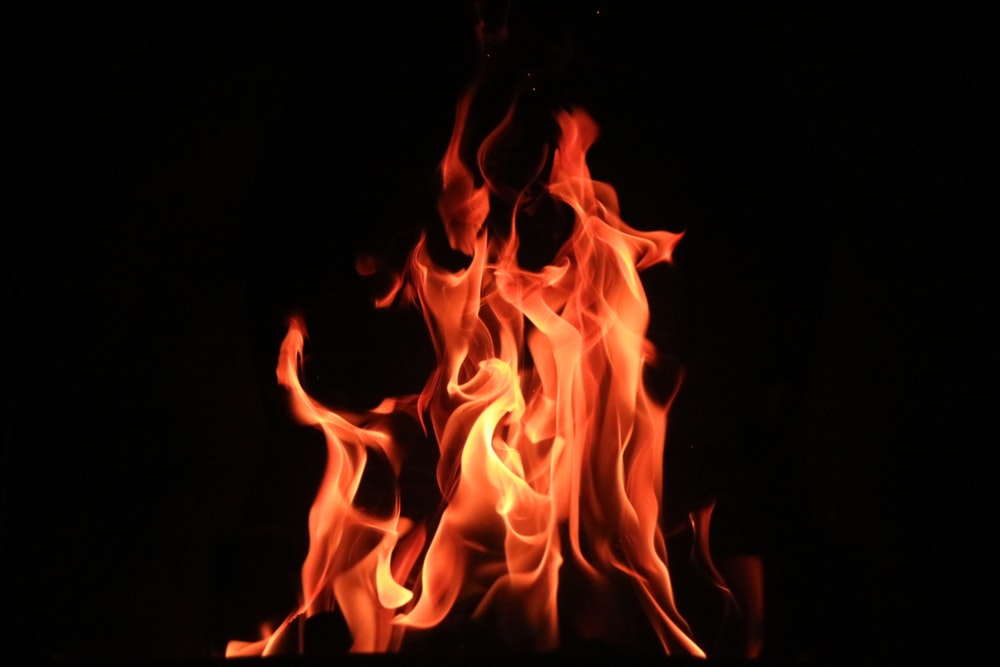
We got to learn another masking type in this session i.e., Channel Mask.
CHANNEL MASK
This masking type enables us to change the channel of an image according to our needs.

Channels window (beside layers window) -> Channel you wish to select.
Click + control on the channel to select that particular mode.
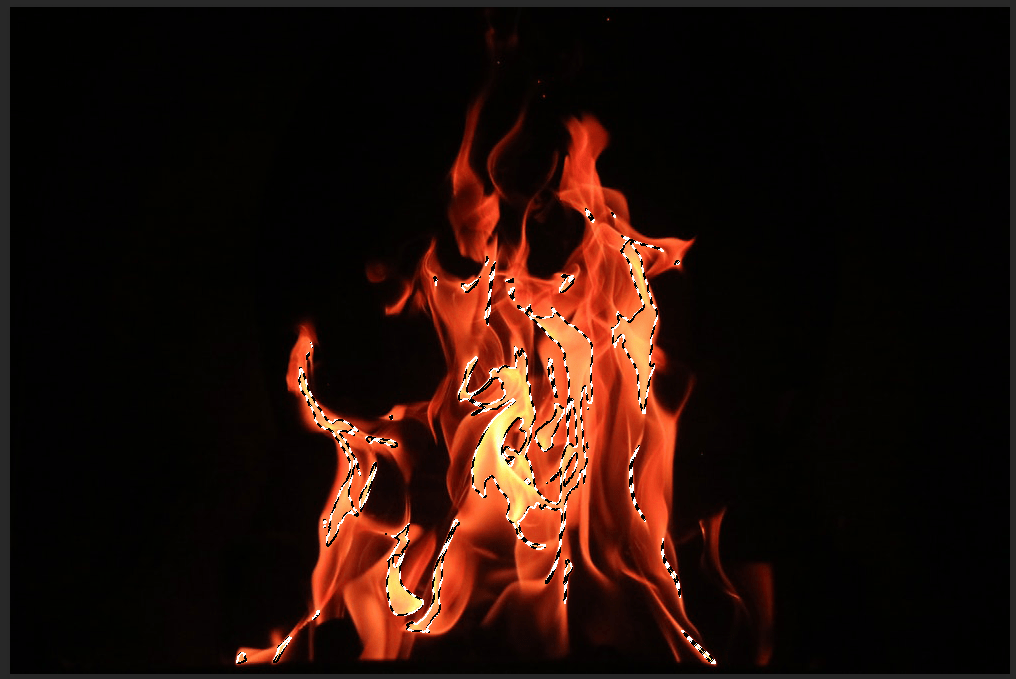
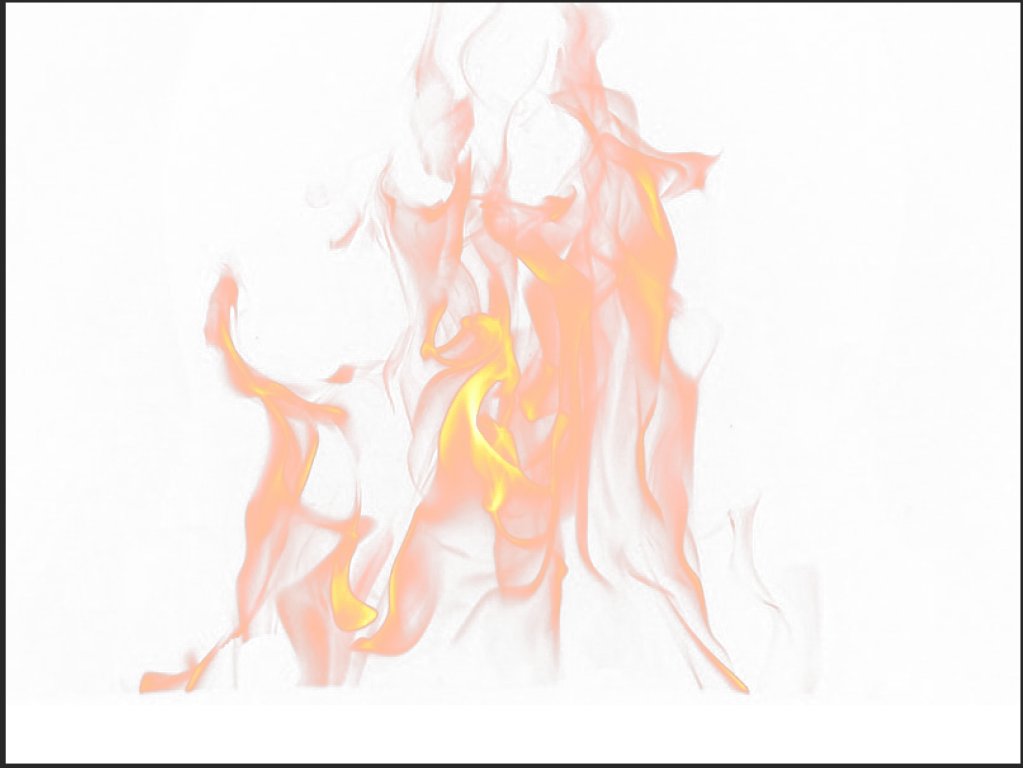
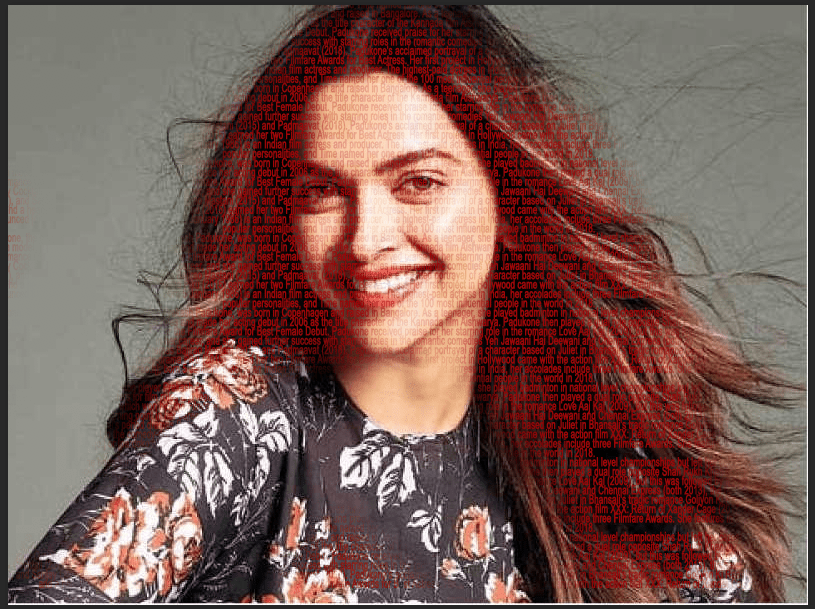
Class Assignment –>

 dimple.design.blog