INDESIGN
Indesign is a software that is mainly used for designing different kinds of booklets like magazines, leaflets, newspapers etc. There are now different ways to design a book – through pictures only, through texts only or through pictures and texts both.
To design a book, the basic things we would have to select – type/size of the pages, number of pages required, number of columns and column gutter i.e., space between different columns, and the margins.
You can delete/insert pages or also edit the size of the pages from the “Pages” window, (icons at the bottom right) even after the book has been created.
Its very easy and efficient to change the layout of booklet even after you have created the pages.
Go to File -> Document Setup.
To create margins :- Layout -> margins and columns -> create columns.
To create guides (rows/columns) :- Layout -> create guides.
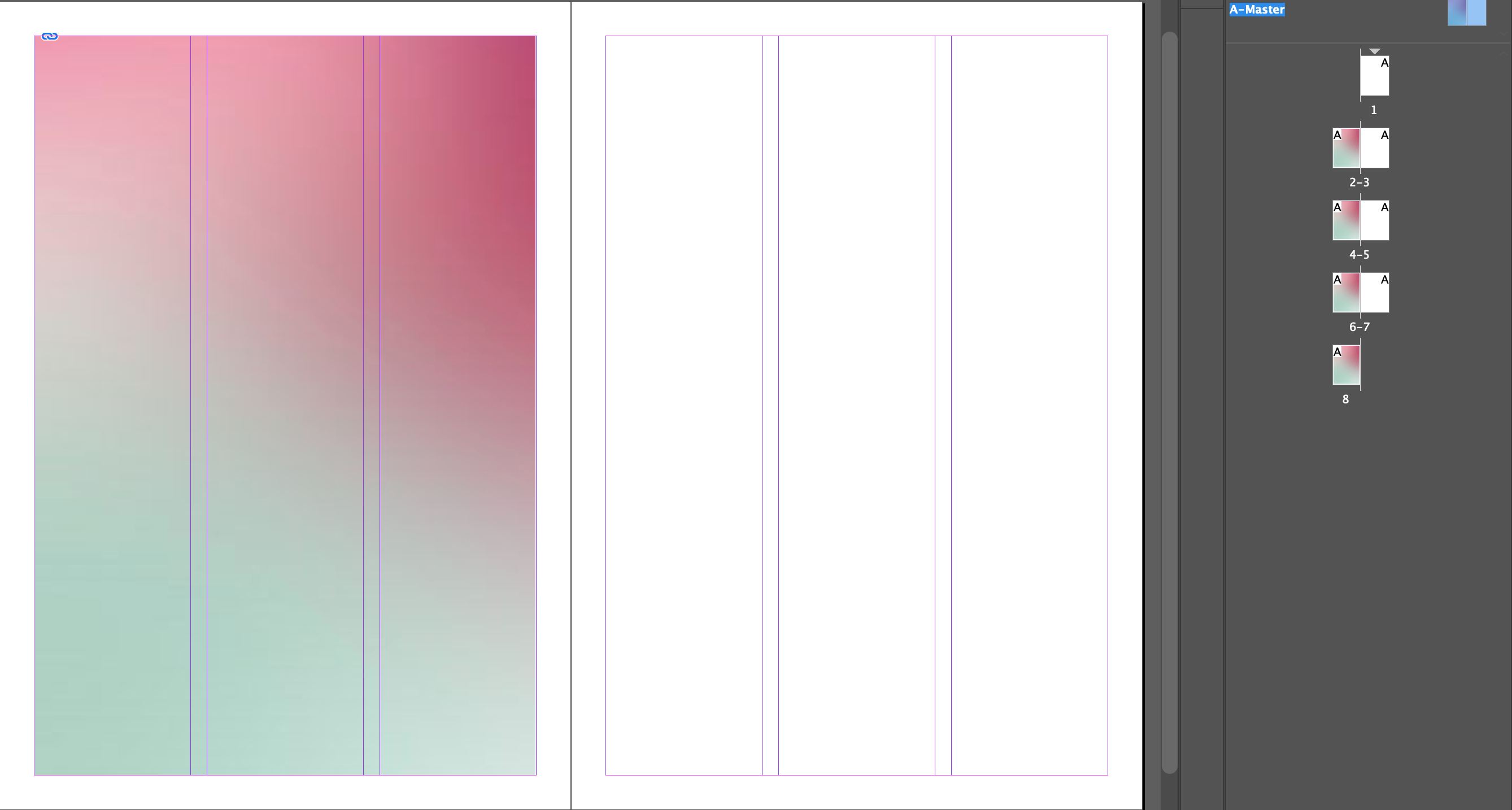
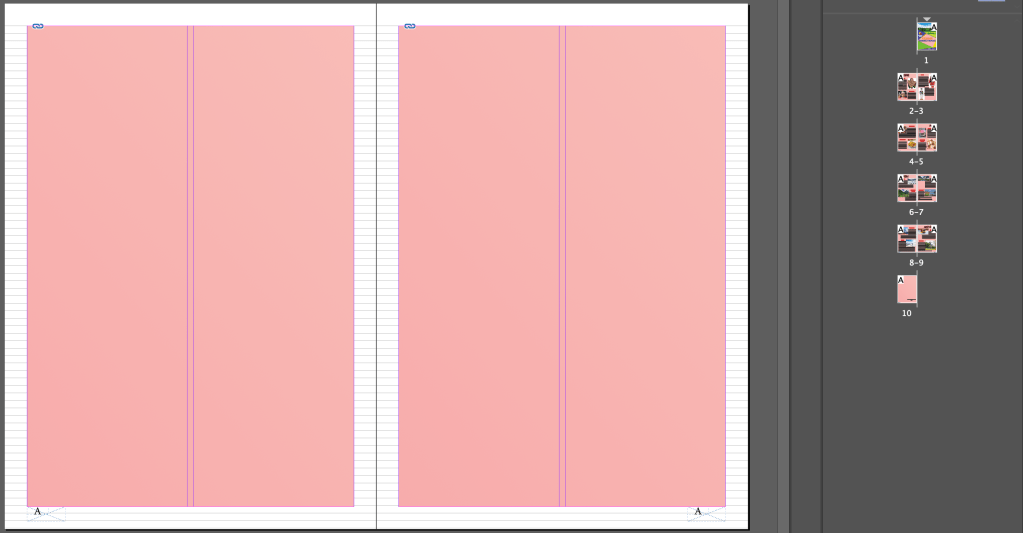
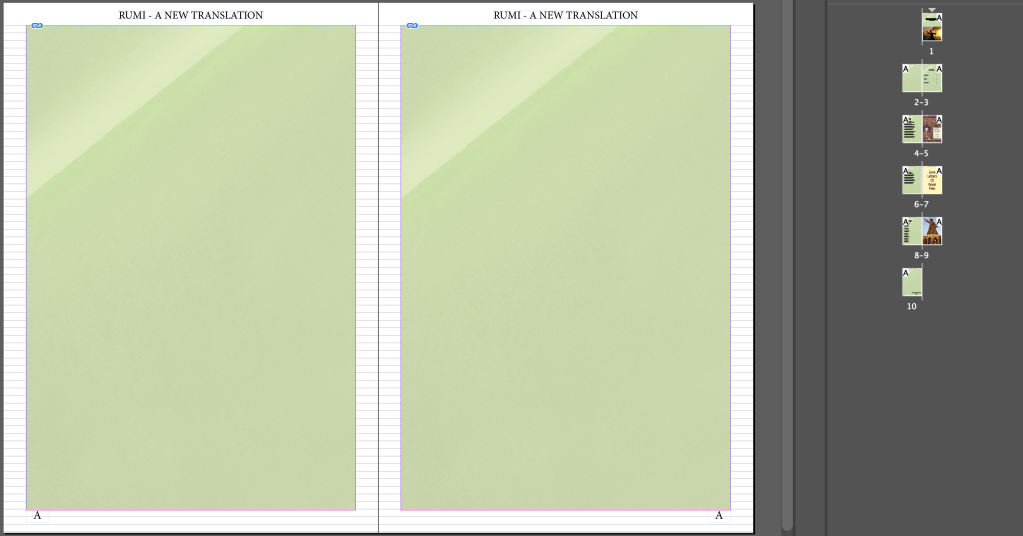
A-Master –
After you double click on the “A – Master”, whatever changes you make on any one of the left pages, all of the left pages would undergo the same change. The same thing happens with the right pages.
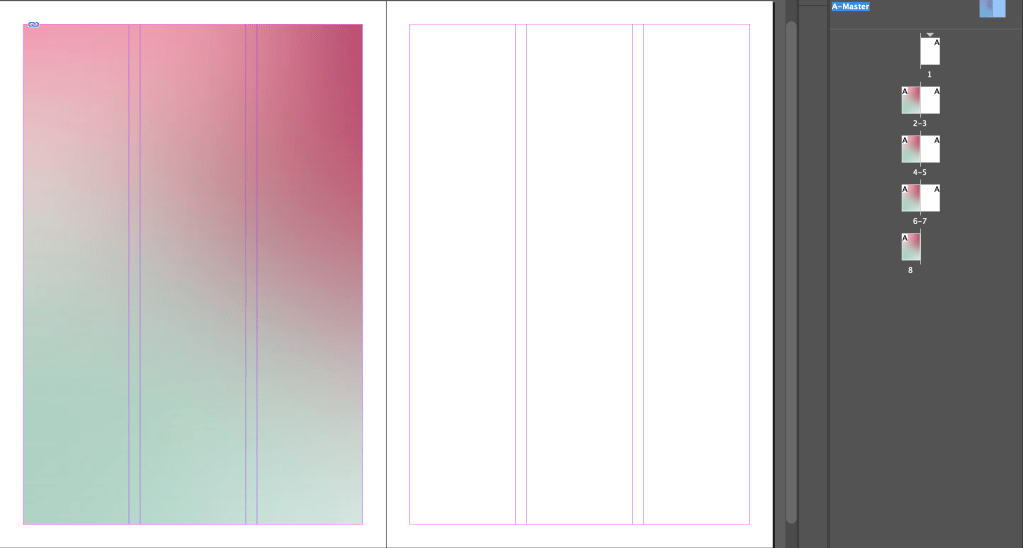
To create a new master B :- right top icon on the pages window -> New Master
To transfer a page from master A to master B -
1. right click on the page -> apply master to pages -> Master B /
2. drag the master page B to that particular page.
To fill the Text box :- Type box -> type -> fill with placeholder text. To snap the text box – double click at its corner.
Frame tools :- these are mainly used for placing images. These are in different shapes – Ellipse, rectangle, polygon.
To put in page numbers :- to be done in Master page -> text tool, write “A” -> right click/type -> insert special character -> markers -> special page numbers.
Presentation Mode :- shift + W
Make sure your display performance is on typical display always. View -> Display Performance -> Typical Display.
To place an image :-
1. Drag and drop from the folder
2. Draw the frame using frame tool, and then drag and drop the image from the folder.
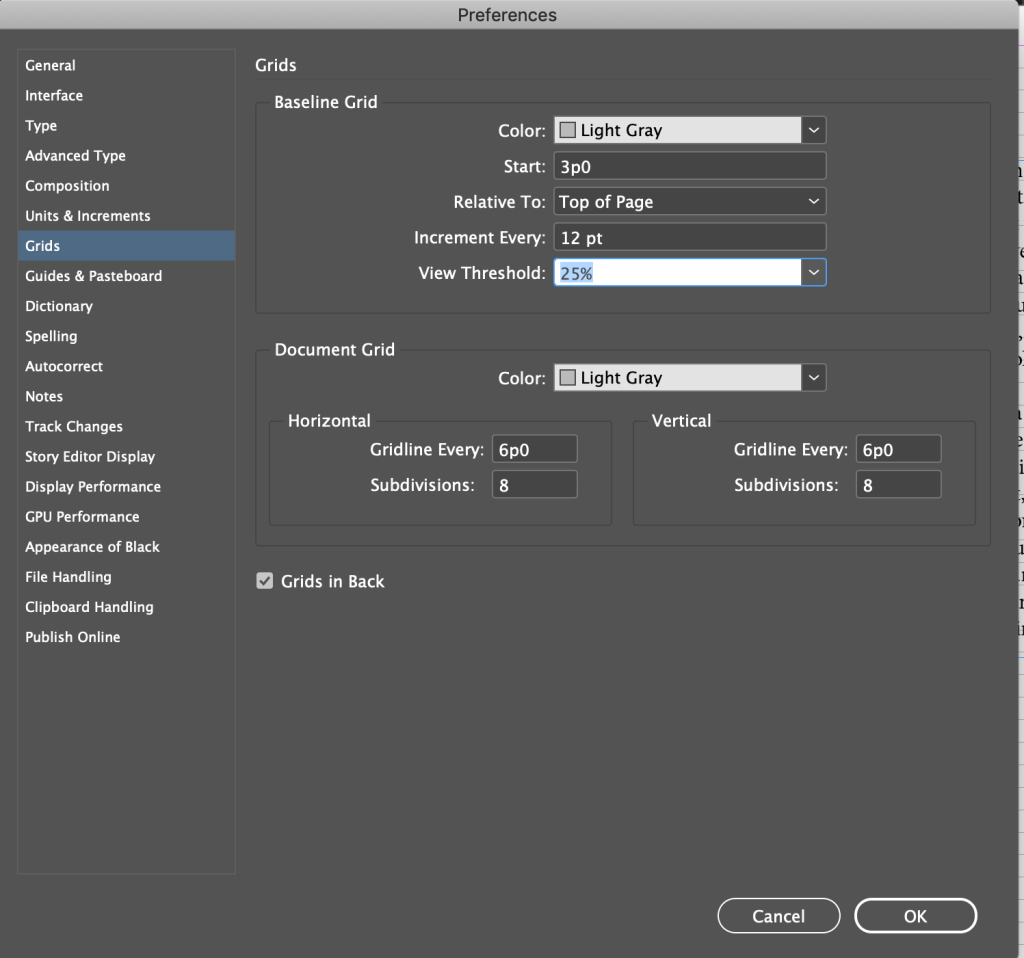
Baseline Grid :- Preferences -> Grids. If these aren’t visible – View -> Grids and Guides -> Show Baseline Grid. These are helpful to align the paragraph/text in a proper manner.
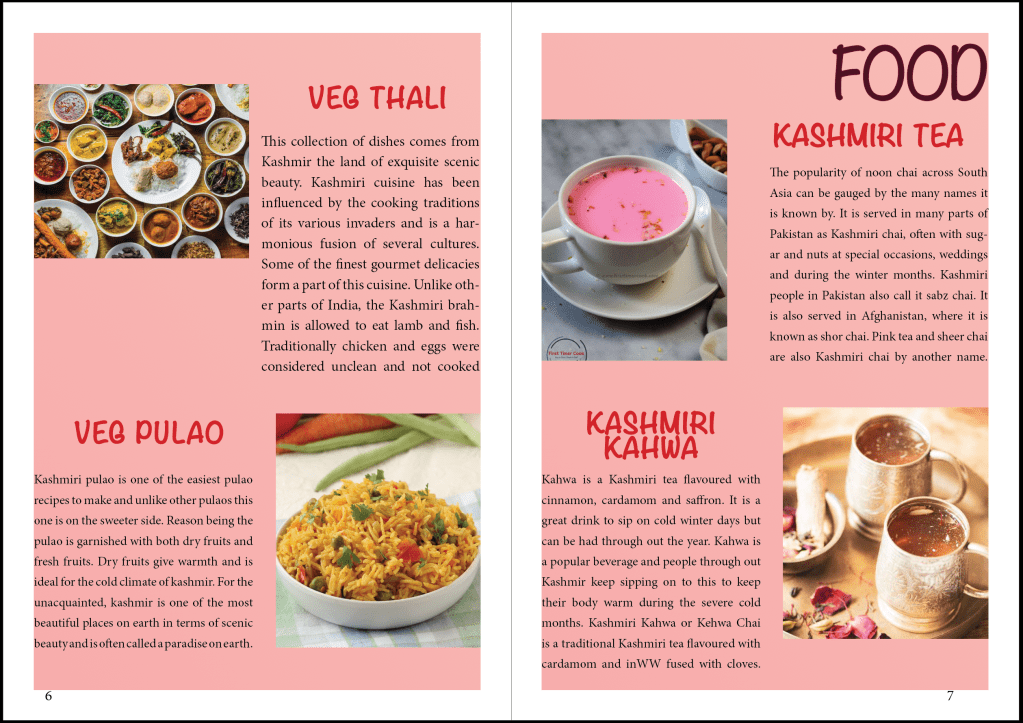
-> Assignment – Design any 2 kinds of booklets using the tools you learnt.




 dimple.design.blog