
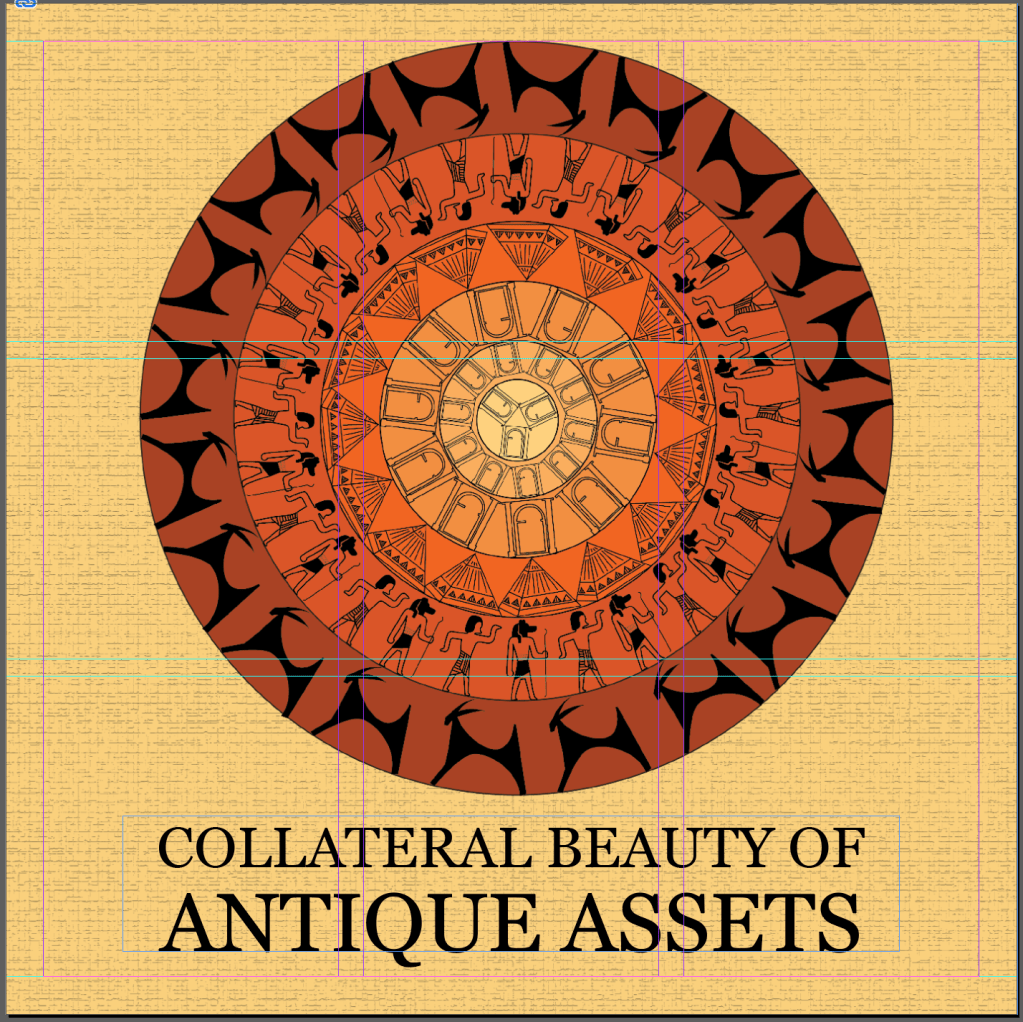
In the beginning of the session, our final cover and back pages were reviewed.
My final cover page :-
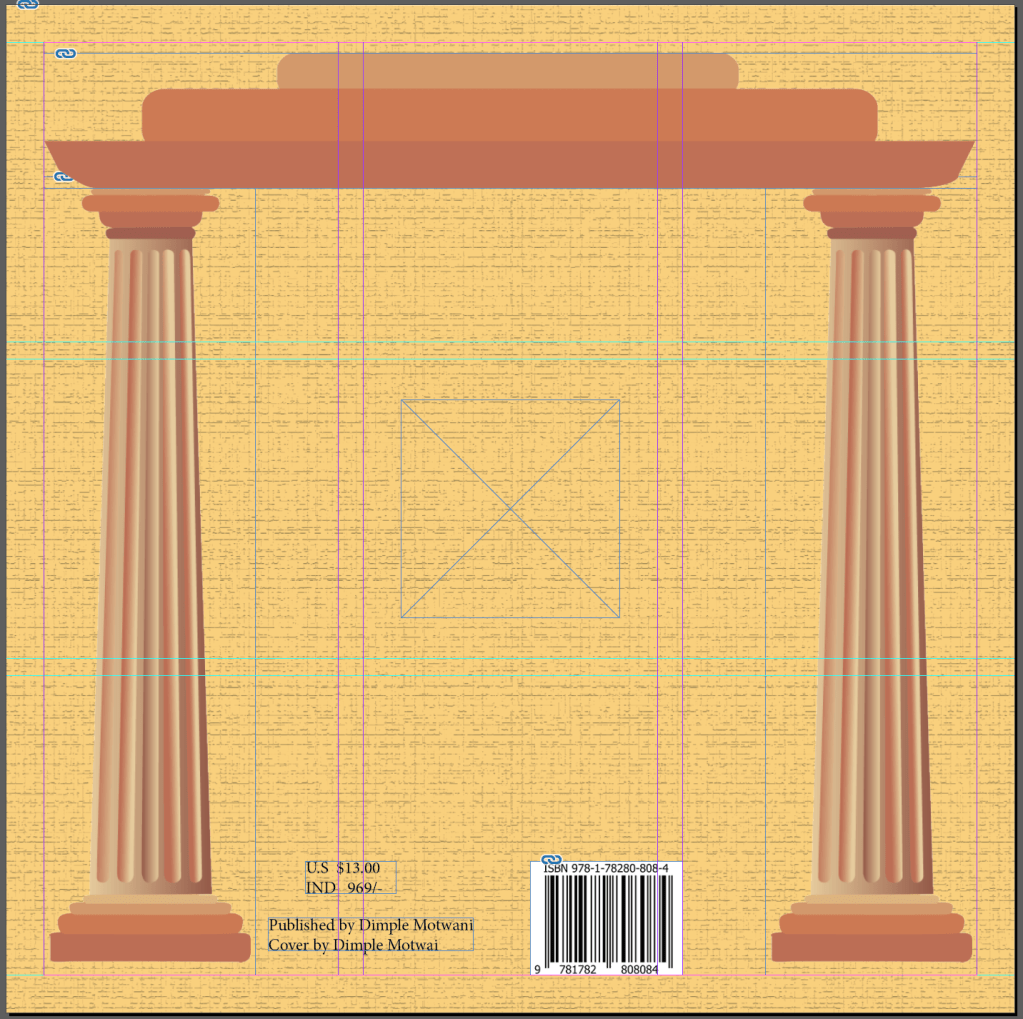
My final back page :-
For this, unlike the last one, I was asked to change the background, and put it same as the cover page, so that my book is linked throughout.
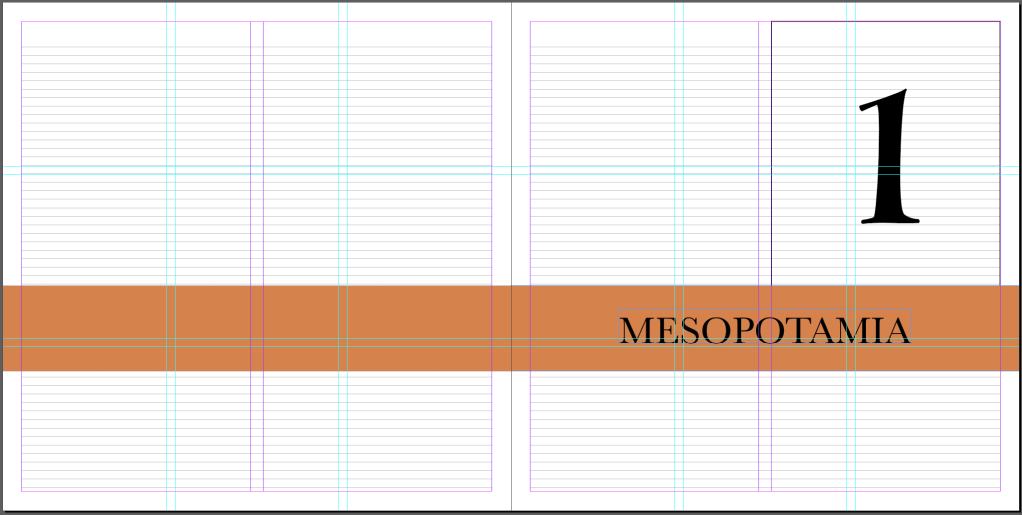
Section Page
I tried keeping my section pages as simple as possible, because when I gave a thought to how my layout of inner pages would look, I realised it couldn’t be that simple. I also followed the same colour scheme as in my cover page.
Content Page
Again, since I decided the theme of the book to be completely ancient, I also wanted it to be incorporated for Index Page. And thus, I took an inspiration from Polaroid photos, that were used before.
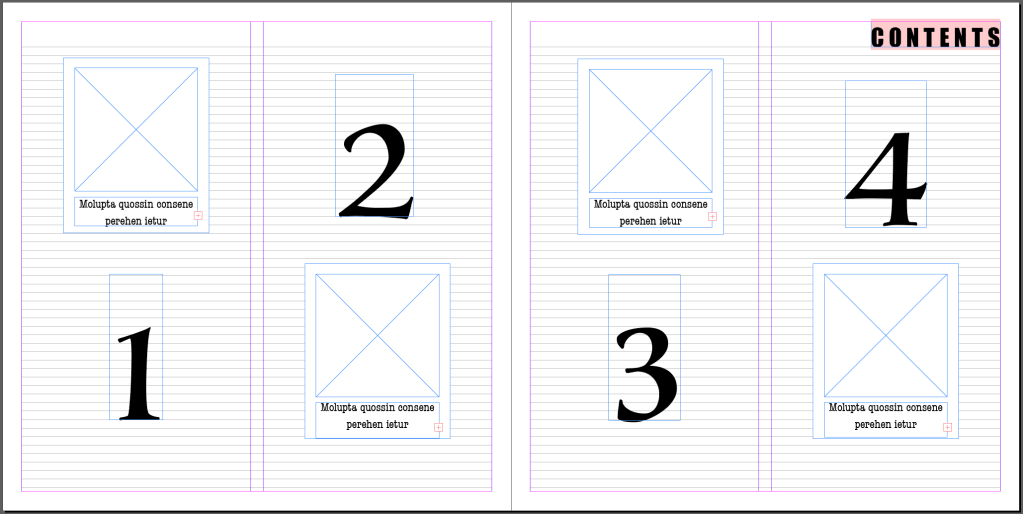
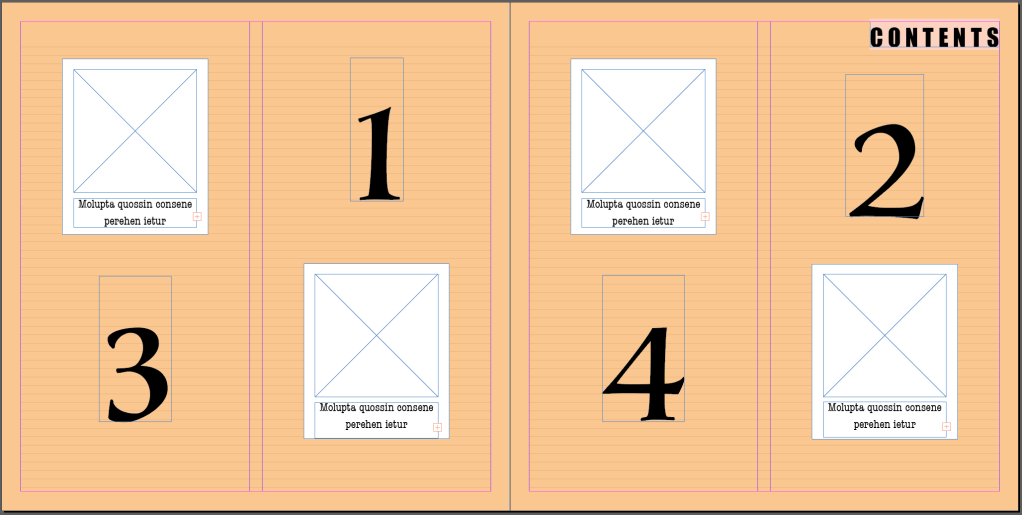
In the place holders of images, would be one of the pictures of that particular civilisation.
In the place holders of text will be the name of the civilisation.
And the numbers represent the page numbers.
Number of polaroids will vary according to the number of sections/civilisations I am going to talk about in the book.
Later on in this session, we were also taught a few techniques of Align and Pathfinder tools in Illustrator, which would help us with a clean and proper layout for our book.
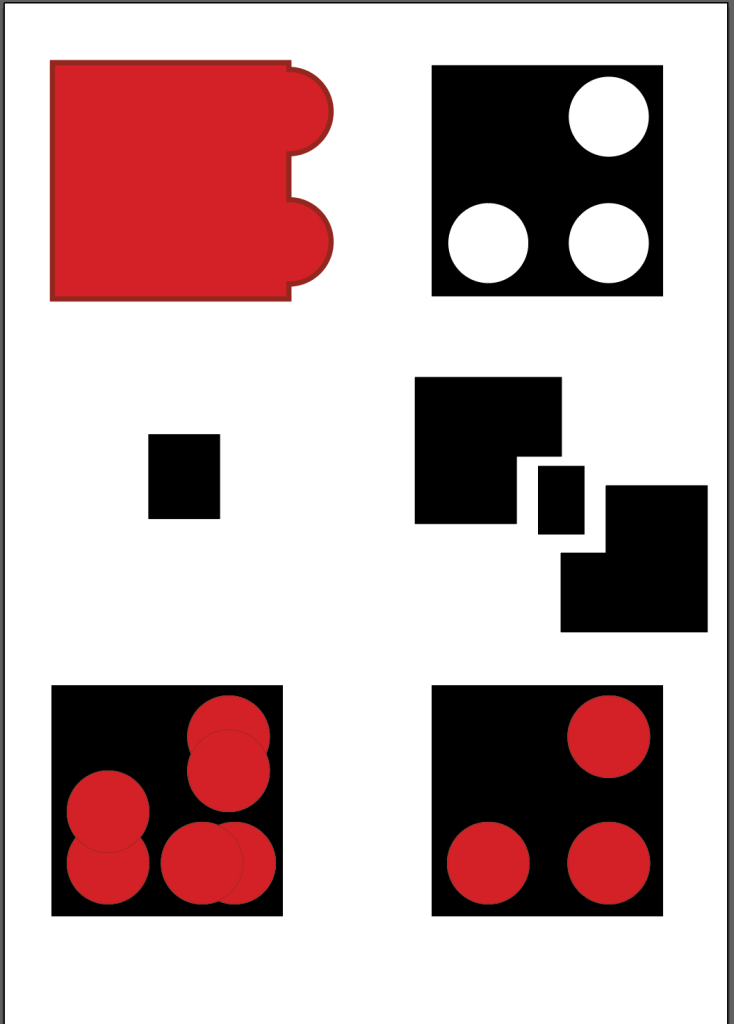
-> Assignment – Design a bookmark for your book.
Instructions :-
1. Size - 2"*6"/2"*7"/2"*8"
2. Shape - Rounded edges, Bevelled edges, Clean edges.
3. Elements - Illustration, Title, Pattern.

 dimple.design.blog